
Overview:
The Debrief rooms are administered and maintained by the Simulation Center (SimCenter). The technology in these rooms is built around CAE LearningSpace, the simulation platform in service within the SimCenter. These rooms are often used as meeting rooms, group-work rooms, and telepresence rooms.
Event Compatibility:
Transmit Audio to External Audience: YES - Ceiling Mics
Transmit Video to External Audience: YES - Webcam
Display Materials on Internal Screens: YES - Dedicated screen
Capture Live Audio - NO
Microphones:
- Huddly IQ webcam with mic
Screens and Collaboration Boards:
Unlike most other areas within the school, the primary screen in the Debrief Rooms is a large touch display that can also be controlled with a wireless keyboard and trackpad combination located in the room.
- 1 Large Display
Cameras:
- Huddly IQ webcam with mic
Room Images:
Debrief 1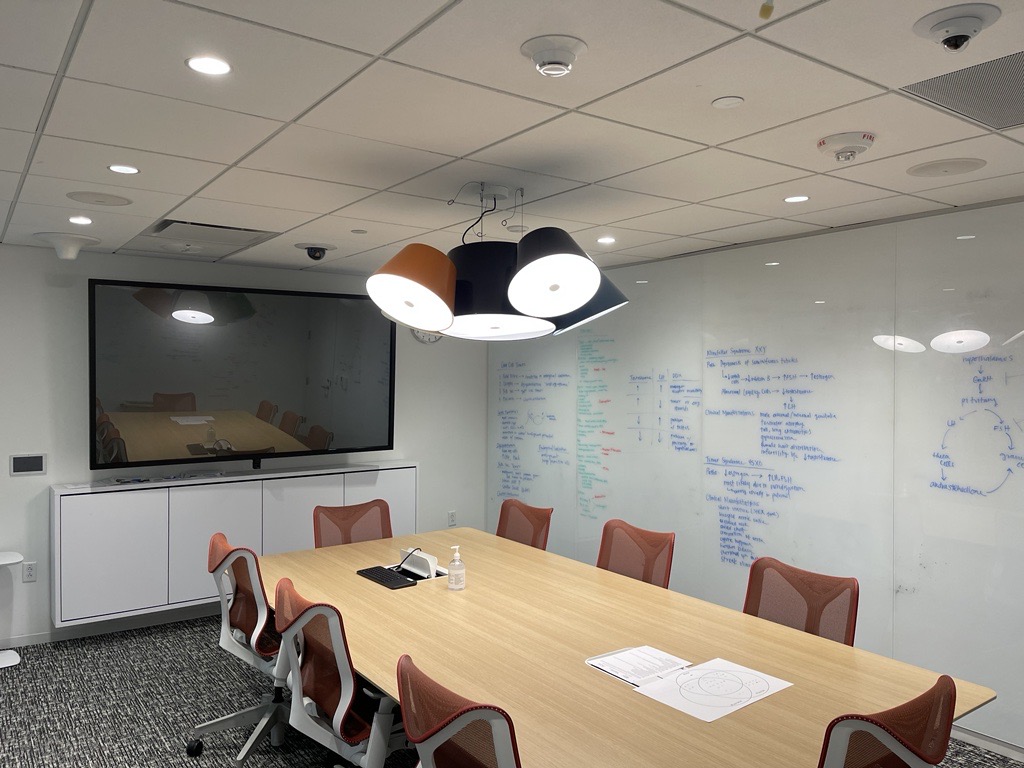
Debrief 2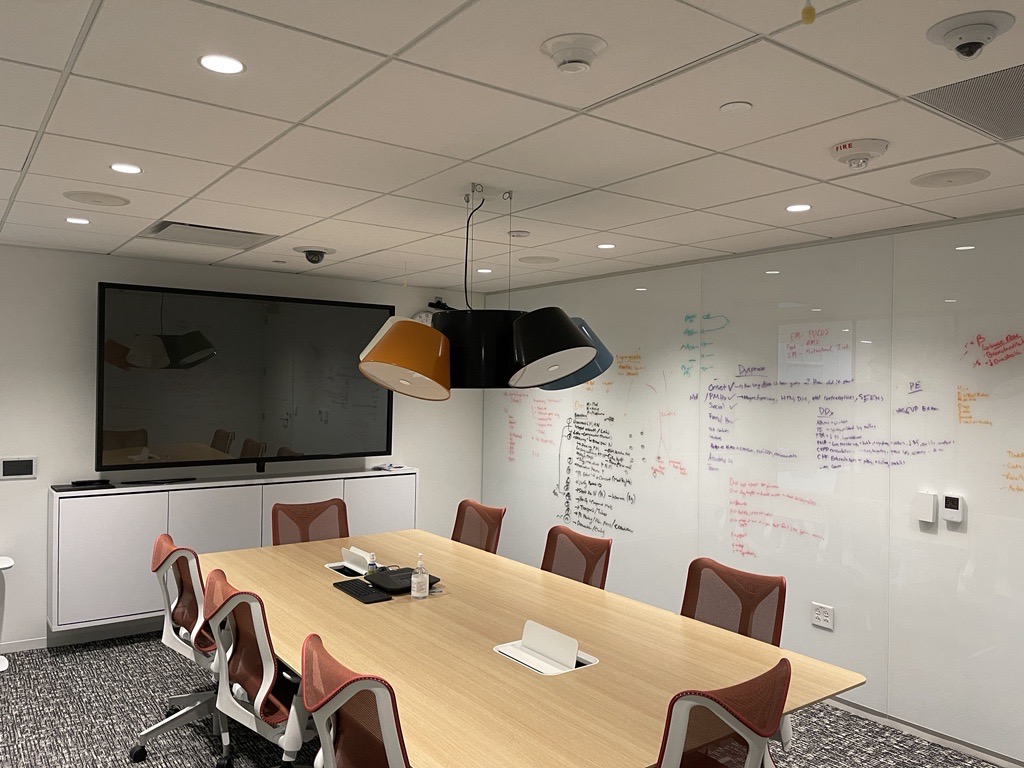
Debrief 3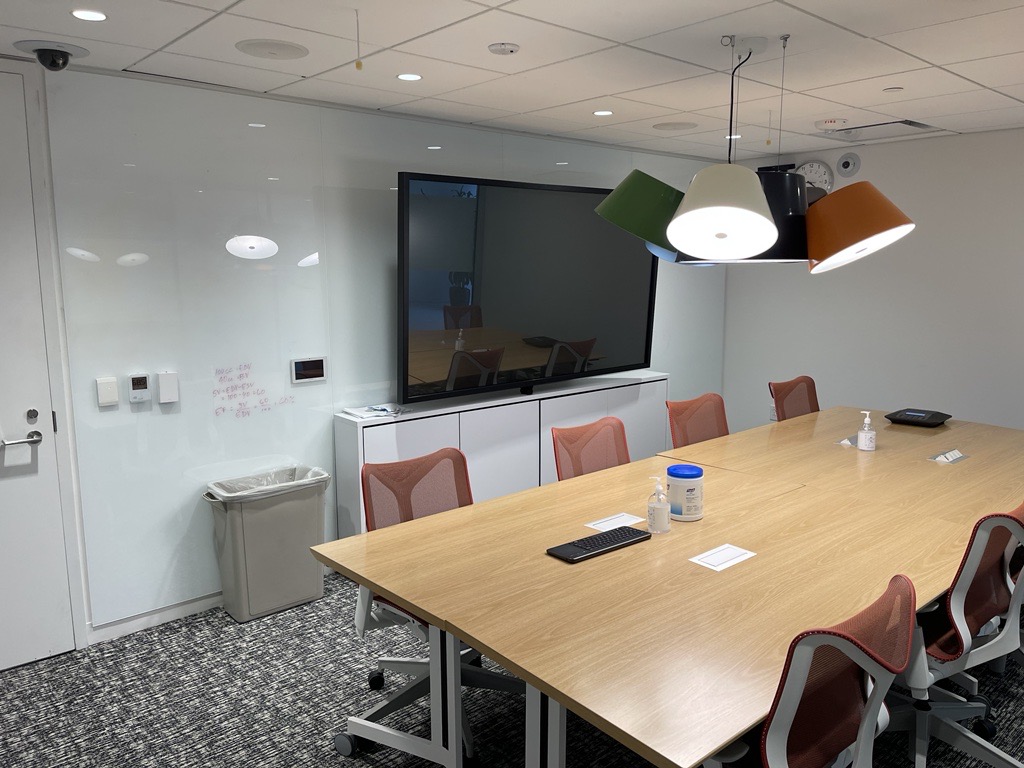
Crestron Touch Panel:
Additional Resources:
Newline Collaboration Boards
- How Do I Display a Laptop on a Collaboration Board via HDMI Cable?
- How Do I Join a Zoom Meeting on a Collaboration Board?
- How Do I Use Teams on a Collaboration Board?
Comments
Please sign in to leave a comment.